


Best payment processors for window tinters & PPF installers (shop and mobile): Square vs Stripe vs Clover
As a window tinter or PPF installer you need payments that are: reliable on the road, cheap for in-person card swipes, flexible for invoices and deposits, and simple enough that your installer can take payments at a driveway, dealership lot, or customer’s garage. Below I break down the three most-common choices — Square, Stripe, and Clover — and give recommended setups depending on your business model.
Quick Rundown -
-
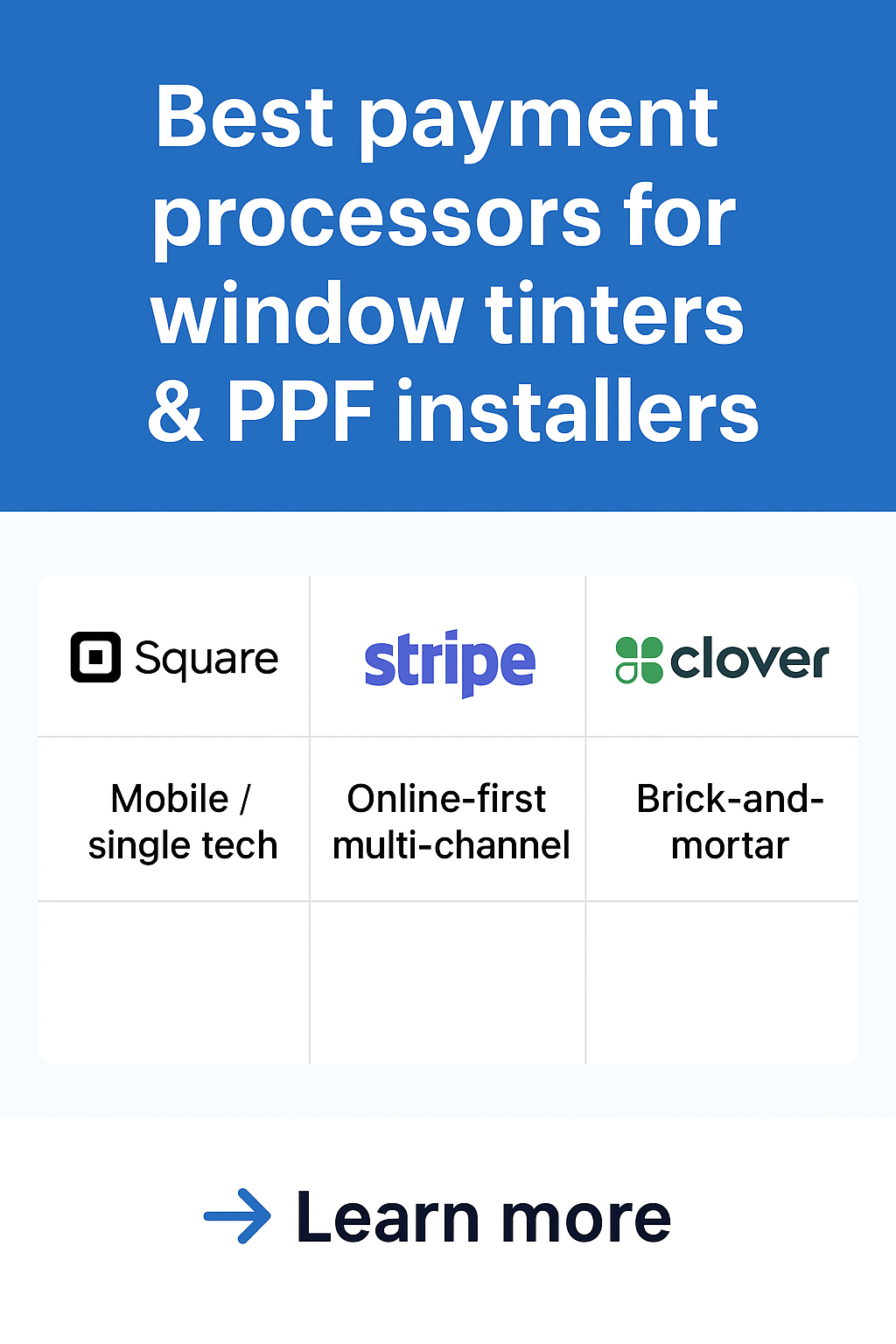
Mobile / single tech doing on-site installs: Square — easiest to start, great mobile hardware, built-in invoicing and payment links. Low setup hassle. (Square)
-
Online-first or multi-channel (website bookings + recurring payments + custom checkout): Stripe — best developer tools and flexible online invoicing/subscriptions; less plug-and-play for countertop use. (Stripe)
-
Brick-and-mortar shops with staff, inventory, appointments and longer-term contracts: Clover — full POS with tiered plans and hardware bundles; monthly software fees but strong all-in-one POS features. (Clover)
What matters for tint & PPF businesses
A few priorities that drive the choice:
-
Card-present (swipe/tap) fees — the cheapest way to accept cards on site.
-
Mobile hardware & connectivity — robust readers that work in driveways and lots.
-
Invoicing / payment links — customers often pay after work (or pay a deposit).
-
Keyed-in / manual entry fees — higher; avoid paying these often (mobile Wi-Fi / phone data helps).
-
Booking & inventory — appointment scheduling, job tracking, parts/inventory for PPF kits.
-
Monthly fees vs. pay-as-you-go — whether you want low monthly overhead or a subscription POS.
Square — best for most mobile installers and single-tech operations
Why it’s good
-
Very plug-and-play: create invoices, send payment links, accept tap/dip/swipe with mobile readers or the Square Handheld device. Excellent for curbside or on-site installs. (Square)
-
Flat, transparent fees for common transactions; clear options for in-person vs online rates. That simplicity matters when you have installers taking payments between jobs. (Square)
-
Extra tools: built-in POS, invoicing, tip capture, recurring invoicing (handy for membership or maintenance plans), and integrated deposits to your bank.
Potential downsides
-
Fees can add up on keyed-in transactions, and some sellers see slightly higher rates than negotiated merchant-account options if you’re high volume. You’ll also pay for certain add-ons (payroll, marketing) if you want them.
Recommended setup for mobile tinters / PPF
-
Square Reader or Square Handheld + Square App for on-site payments. Use payment links for deposits and post-job invoices. Encourage card-present payments to keep fees down. (WIRED)
Stripe — best for online bookings, deposits, and advanced integrations
Why it’s good
-
Stripe is a developer-focused payments platform: excellent for custom websites, online deposits, subscription plans (e.g., monthly maintenance), and automated invoicing. If your website or booking engine needs custom checkout flows, Stripe is the most flexible option. (Stripe)
-
Transparent pay-as-you-go pricing and lots of web payment methods (cards, wallets, ACH, Buy Now Pay Later). Good for scaling an online storefront for films, kits, or gift cards.
Potential downsides
-
Not as plug-and-play for in-person, countertop use — you’ll need a separate terminal or integration (Stripe Terminal exists but is more technical to set up). Card-present hardware and local invoicing tools require more configuration than Square. (Stripe)
Recommended setup for hybrid shops
-
Use Stripe for website bookings, deposit captures, subscriptions, and online invoicing. Pair with a simple mobile card reader/terminal that supports Stripe Terminal if you want unified reporting — otherwise use Stripe + Square hybrid (Stripe for online, Square for in-person) and reconcile in accounting.
Clover — best for fixed-location shops that want a full POS
Why it’s good
-
Clover bundles hardware + software + payments into POS packages. If you run a shop with 2–5 installers, multiple POS stations, employee management and inventory, Clover’s ecosystem is handy. It offers tiered monthly plans and terminals. (Clover)
-
The countertop/tablet terminals look professional and include apps for scheduling, inventory, and receipts.
Potential downsides
-
Monthly software fees and potentially higher total cost once hardware, apps, and add-ons are included. Some Clover plans or resellers impose contract terms. Keyed-in (card-not-present) fees may be higher than in-person card rates. (KORONA POS by COMBASE)
Recommended setup for shops
-
Choose Clover if your business needs a countertop POS, multiple terminals, and a tightly integrated payroll / employee / inventory ecosystem. Compare the Starter vs Standard vs Advanced tiers and watch for app/add-on costs.
Real money-saving tips for tint & PPF shops
-
Prefer card-present payments — tap/dip/swipe is cheaper than keyed-in; use mobile data to avoid manual entries. (All providers charge more for keyed-in.) (Square)
-
Use payment links for deposits — require a partial deposit when booking; Square and Stripe both make this frictionless. (Square)
-
Batch your refunds and reconcile weekly — reduces fees and accounting headaches.
-
Negotiate if you have volume — very high volume shops can pursue a merchant account or negotiate rates (Stripe offers enterprise, and some POS providers have negotiated interchange programs). If you’re consistently processing large sums, a custom deal can beat flat-rate processors. (Stripe)
-
Watch for add-ons & monthly fees — Clover’s ecosystem can be ideal, but compare the total monthly + hardware + app cost vs Square’s mostly pay-as-you-go model.
Short decision matrix — which to pick
-
If you’re mostly mobile, single tech, minimal setup time: Square (fast, reliable mobile hardware, simple invoicing). (Square)
-
If you sell a lot online (bookings, subscriptions, deposits) or need custom site checks: Stripe (best for developer integrations and flexible online payment flows). (Stripe)
-
If you run a busy shop with multiple terminals, staff, and want an all-in-one POS: Clover (good POS features; just watch monthly costs). (Clover)
Final checklist before you switch processors
-
Do a 30-day trial or run both systems in parallel for busy weeks.
-
Test a real on-site job: invoicing, deposit collection, tip capture, refunds, and chargebacks flow.
-
Confirm deposit timing: same-day vs 1–2 business days (cashflow matters).
-
Check hardware range/reliability for outdoor use (signal, battery life).
-
Review contract terms: early termination fees, holdback policies, and dispute/chargeback support.

Share and get 15% off!
Simply share this product on one of the following social networks and you will unlock 15% off!